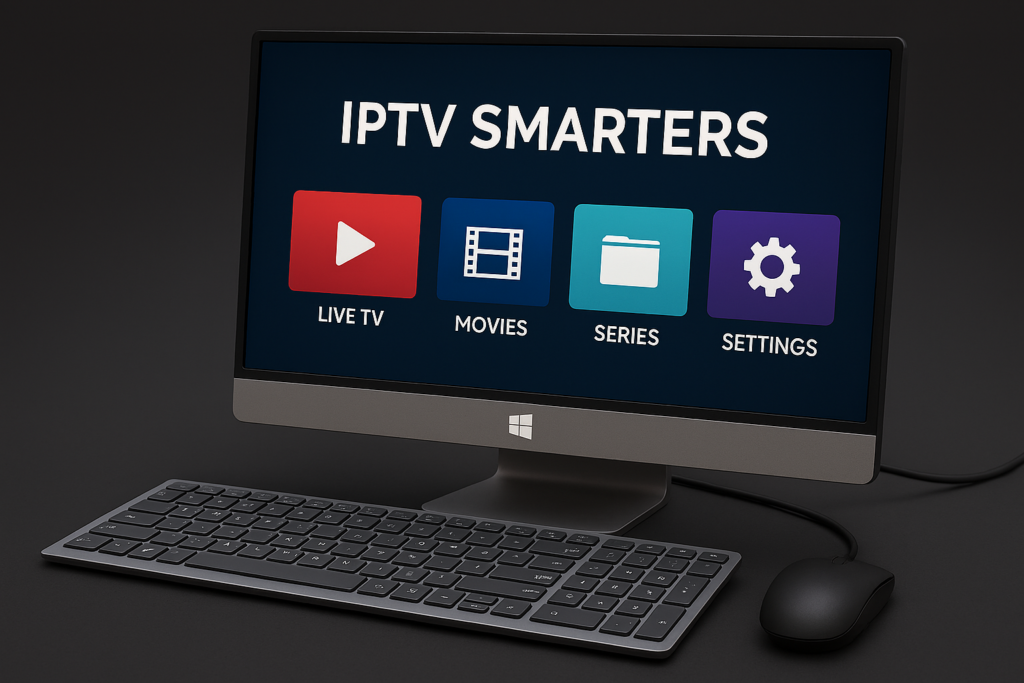
IPTV Compatible Devices & Apps – Smarters Pro IPTV Subscription Smarters Pro IPTV
Join IPTVCodex as a reseller and offer a reliable IPTV service to your own customers using our infrastructure.
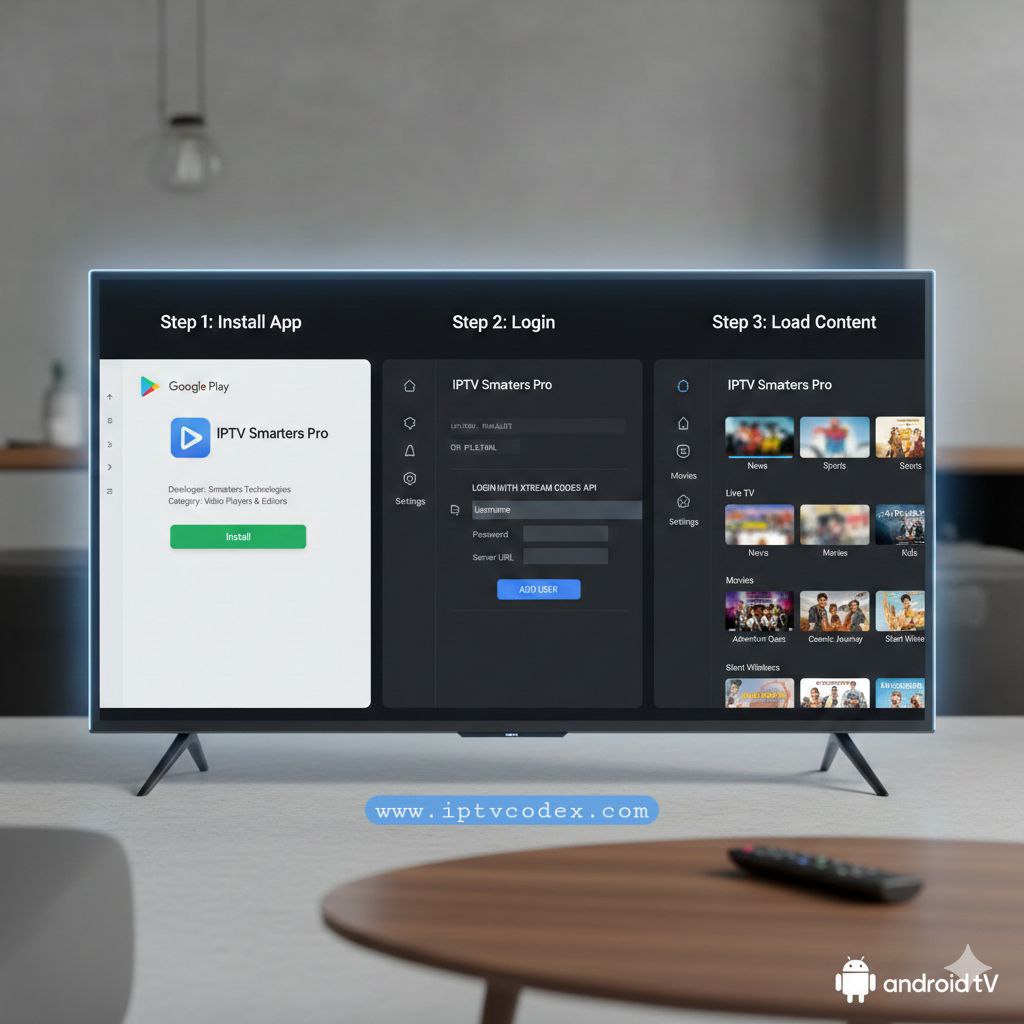
Step 1: Install App
Open Google Play Store
Install IPTV Smarters Pro
Step 2: Login
Open the app
Select Login with Xtream Codes API
Enter your IPTV credentials
Step 3: Load Content
The app will automatically load channels and VOD content.
Troubleshooting Tips
Restart the app after first login
Ensure your internet speed is at least 15 Mbps
Use a wired connection if possible
Contact support if channels do not load
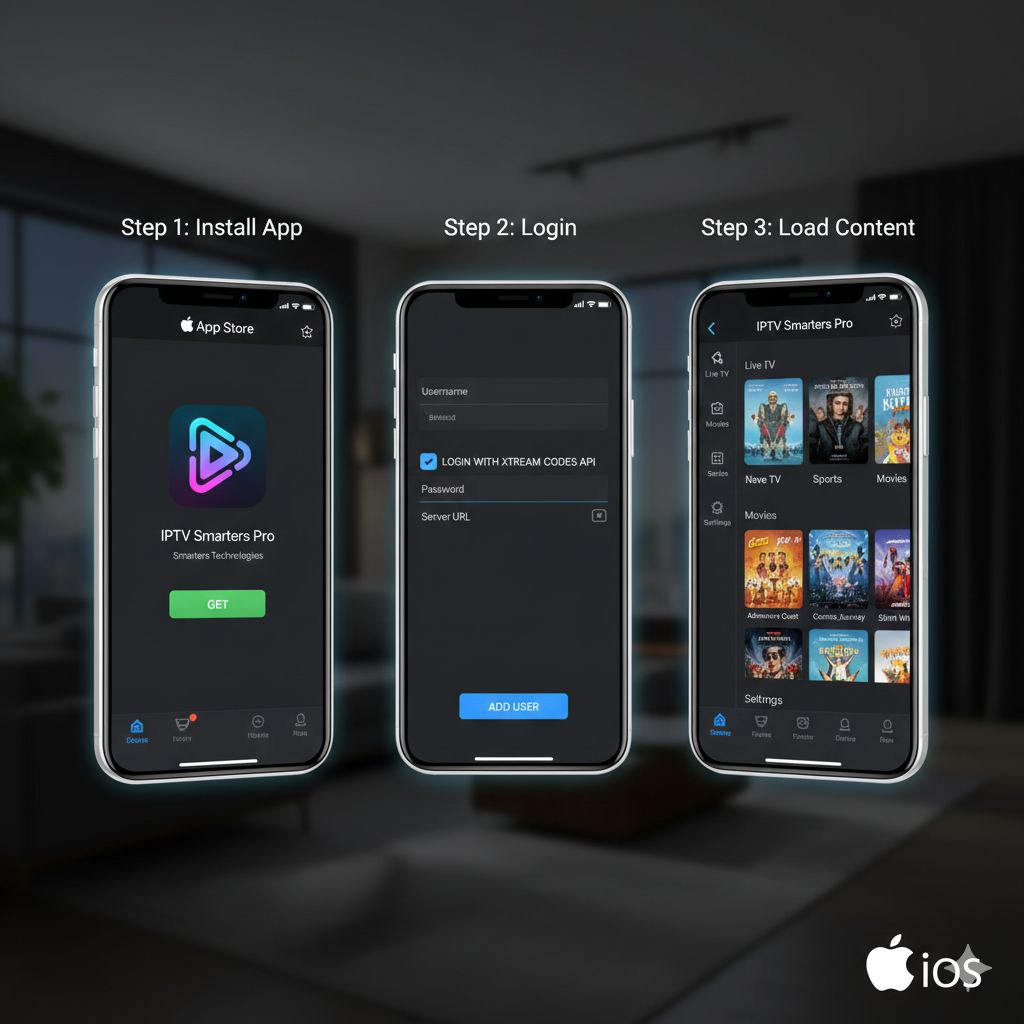
Method 1: Setup Using IPTV Smarters Player (Recommended)
Step 1: Install the App
Open the App Store
Search for IPTV Smarters Player
Download and install the app
Step 2: Open the App
Launch IPTV Smarters Player
Select Login with Xtream Codes API
Step 3: Enter IPTV Credentials
Enter the details provided by IPTVCodex:
Server URL
Username
Password
Tap Add User.
Step 4: Load Channels
The app will load:
Live TV
Movies (VOD)
Series (if included)
Setup time: 2–5 minutes
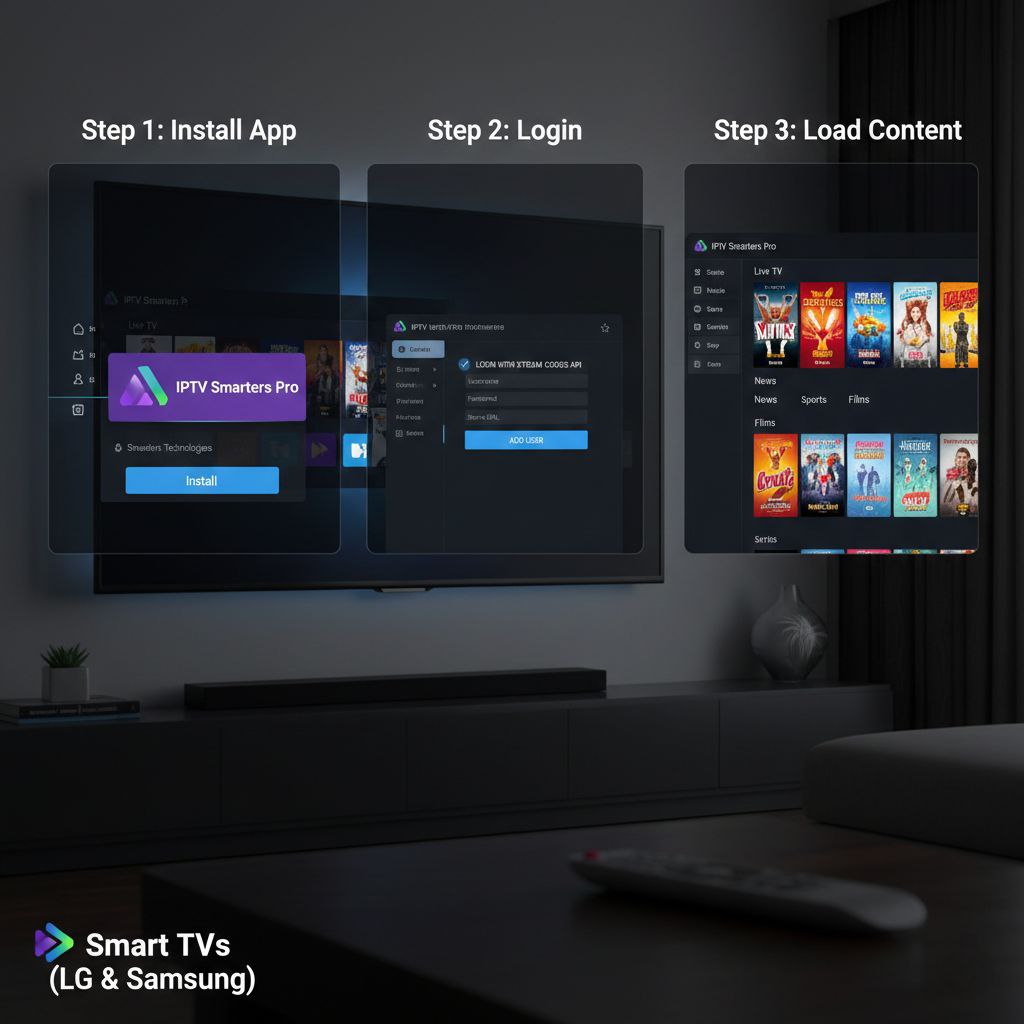
Samsung Smart TV Setup (Tizen OS)
Step 1: Install IPTV App
Press the Home button on your remote.
Open Samsung App Store.
Search for an IPTV app (e.g., IPTV Smarters or Smart IPTV).
Install and open the app.
Step 2: Login to the App
Depending on the app, choose one of the following login methods:
Xtream Codes API
Playlist URL (M3U)
Enter the Server URL, Username, and Password provided by IPTVCodex.
Step 3: Load Channels
Wait while the app loads live channels, movies, and series.
Setup time: 5–10 minutes
Step 1: Prepare Firestick (Enable Apps from Unknown Sources)
From the Firestick home screen, go to Settings
Select My Fire TV
Click Developer Options
Turn Apps from Unknown Sources → ON
Step 2: Install Downloader App
Go to Amazon App Store
Search for Downloader
Install and open the app
Allow permissions when prompted
Step 3: Install IPTV App
Option A: Install IPTV Smarters Pro
Open Downloader
Enter the official IPTV Smarters download URL
Press Go
Install the app when download finishes
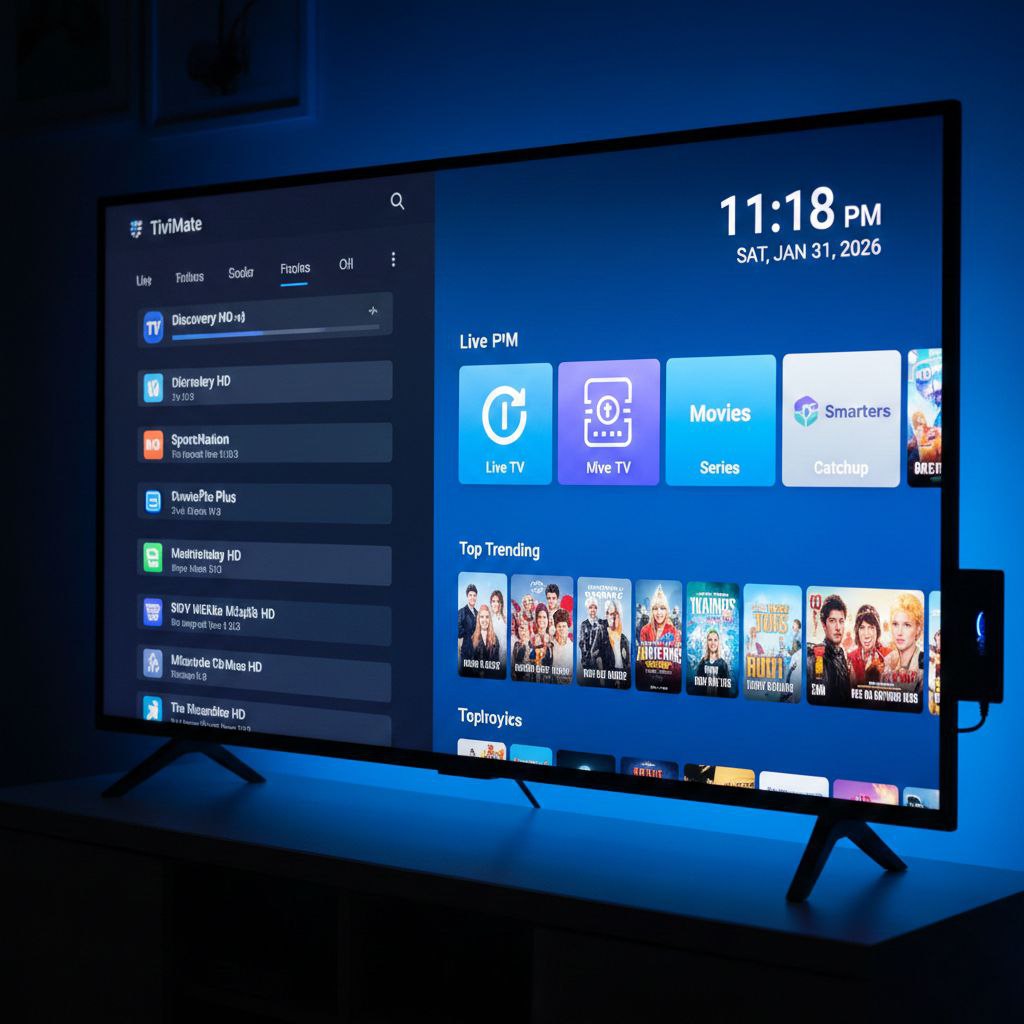
Option B: Install TiviMate
Open Downloader
Enter TiviMate official APK URL
Download and install
Step 4: Login with IPTV Credentials
Open the IPTV app
Choose Login with Xtream Codes API
Enter:
Server URL
Username
Password
Click Login
Channels and content will load automatically.
Setup time: 5–10 minutes
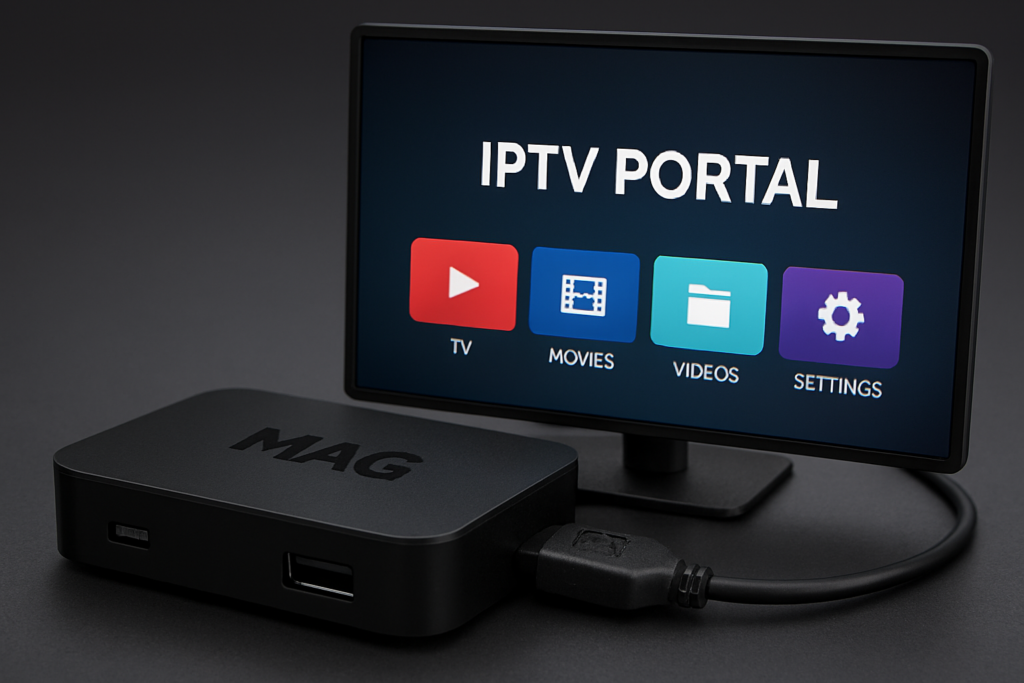
Step 1: Find Your MAG MAC Address
Power on your MAG box
Go to Settings → System Settings
Select Device Info
Copy the MAC address (starts with
00:1A:79:)
Step 2: Send MAC Address to Support
Send the following details to our support team via WhatsApp or email:
Your order number
Your MAG MAC address
Our team will activate your device on our server.
Step 3: Configure Portal URL (If Required)
Some MAG boxes may require manual portal configuration.
Go to Settings → System Settings
Select Servers → Portals
Enter the Portal URL provided by support
Save changes
Step 4: Restart the MAG Box
Reboot the device
Wait for channels to load automatically
Setup time after activation: 2–5 minutes
Method 1: Setup Using IPTV Smarters Pro (Recommended)
Step 1: Download IPTV Smarters
Open your web browser
Download the official IPTV Smarters Pro for Windows
Install and launch the application
Step 2: Login with Xtream Codes
Open IPTV Smarters Pro
Select Login with Xtream Codes API
Enter the following details provided by IPTVCodex:
Server URL
Username
Password
Click Add User
Step 3: Load Channels
The app will load:
Live TV
Movies (VOD)
Series (if included)
Setup time: 3–5 minutes
Device-Specific Tutorials
IPTVCodex IPTV subscription is fully compatible with popular IPTV apps including IPTV Smarters Pro, Smart IPTV, TiviMate, and other advanced IPTV players. Our service works on Smart TVs, Android, iOS, Firestick, Windows, macOS, and MAG devices.